
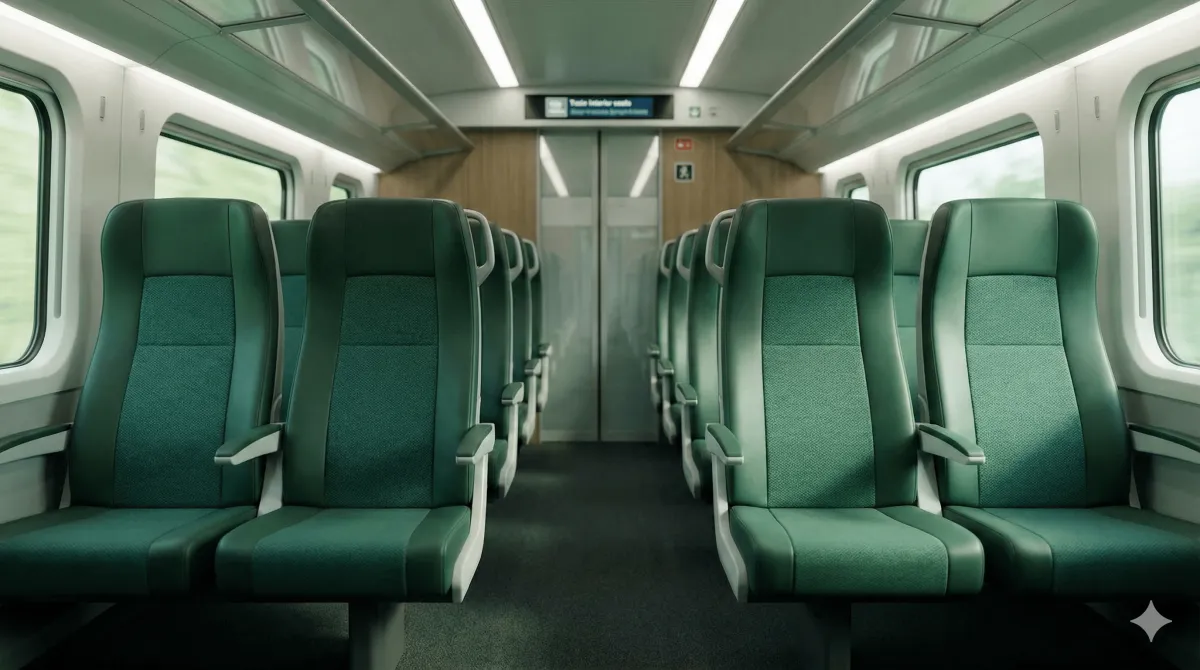
Komfort Check-in lets you check in digitally after boarding. You tap a button in the DB Navigator app, the conductor sees your ticket on his handheld device, and you skip the physical ticket inspection. Available on ICE and selected IC trains for digital DB tickets on Flexpreis, Sparpreis and Super Sparpreis fares — with or without reservation. As of 2026.
Version note: The steps below refer to the App-Version 2026-07 of DB Navigator. Deutsche Bahn updates the app regularly — if your screen looks different, please check whether an app update is available. Stand 2026.
What is Komfort Check-in?
Komfort Check-in is DB's digital self check-in for long-distance trains. After you board and take your seat, you tap the Komfort Check-in button in the DB Navigator app. The conductor sees your booking on his handheld device and skips the paper ticket inspection. For you the trip feels like a short-hop regional train — board, sit, ride.
The feature replaces the physical inspection only. It does not replace your seat reservation: if you want a guaranteed seat, still book a reservation in the app or on bahn.de. Komfort Check-in works with or without a reservation. As of 2026.
Who can use Komfort Check-in?
As of 2026 the only gating conditions are:
- A digital DB ticket in the Navigator app (not a paper printout)
- One of the long-distance fares: Flexpreis, Sparpreis or Super Sparpreis
- An eligible train: ICE or selected IC trains
- A participating coach / seat
BahnCard discount (25, 50 or 100) does not block Komfort Check-in. 1st class and 2nd class are both eligible. Up to 5 passengers per booking can be checked in together. Regional trains (RE, RB, S-Bahn) and most non-IC long-distance services do NOT offer Komfort Check-in. As of 2026.
Outdated info elsewhere: some older guides (and DB's own older app) mention Komfort Check-in being limited to BahnCard 100 or 1st class. That wording is no longer current. If a page tells you that in 2026, it is wrong.
Activate Komfort Check-in — step by step
Board the train
Take your seat in the booked coach. With or without a reservation — both work.
Open the booking in the app
In DB Navigator, open My Journeys and tap your booked connection.
Tap Komfort Check-in
On the connection detail view, tap the Komfort Check-in button. The app confirms the check-in.
Ride ticket-free
The conductor sees your booking on his device. No need to show a paper or mobile ticket QR code.
When does Komfort Check-in not work?
The Komfort Check-in button is hidden when one of the eligibility conditions is not met. The most common reasons:
- The train is a regional service (RE, RB, S-Bahn) or a non-participating IC.
- Your fare is a ticket type other than Flexpreis / Sparpreis / Super Sparpreis (for example a group ticket, a Deutschland-Ticket add-on, or a foreign-rail add-on).
- Your booking is not stored as a digital DB ticket (for example a paper printout, or a partner-rail ticket booked via another app).
- You are travelling outside the booking's validity window.
In any of these cases, show the mobile ticket QR code to the conductor as usual — the physical inspection still works. App-Version App-Version 2026-07. As of 2026.
Komfort Check-in and your ticket type
Komfort Check-in sits on top of your ticket type. It works with all three long-distance fare classes:
- Super Sparpreis: cheapest fare, strict train binding, Komfort Check-in still works.
- Sparpreis: discounted fare with one free exchange, Komfort Check-in still works.
- Flexpreis: full-flex fare, Komfort Check-in still works.
Reservation is independent: a seat reservation secures your seat for an extra fee, Komfort Check-in only removes the ticket inspection. Buy one, both, or neither — the choice is yours. As of 2026.
Related Guides
Notice: All information is provided without guarantee. Schedules and availability may change at any time. For current and binding information, please visit the official provider websites. This website is not affiliated with Deutsche Bahn AG or other railway companies.
Last update: July 2026
Sources & More Information:
- Omio – Compare Providers
- DB Komfort Check-in landing page – Official DB Komfort Check-in overview (2026)
- DB Komfort Check-in requirements FAQ – Official eligibility FAQ (2026)